
Product features
Features built for your smoke-free journey
Simple tracking, calm support, and clear progress insights in one Android app. Use the tools that help today and leave the rest quiet until you need them.
- 12 features
- Local tracking
- No account required
Chip values are sample figures shown for illustration, not real user data.
What features are included in Quit Smoking Tracker?
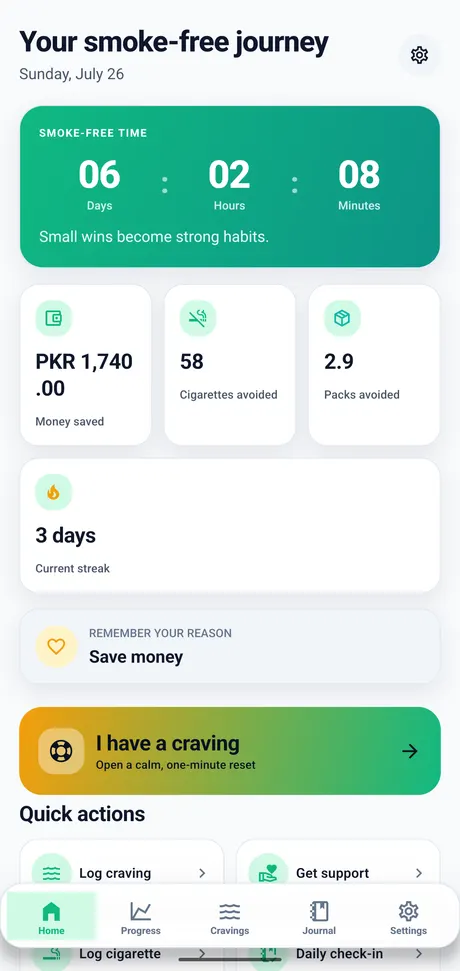
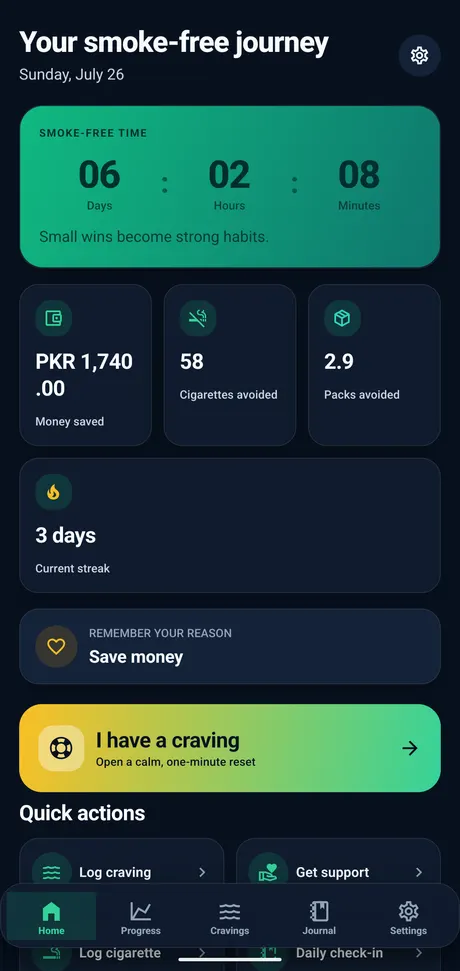
Quit Smoking Tracker includes a smoke-free timer, craving logs, estimated savings and cigarettes avoided, progress insights, a journal, emergency craving support, reminders, milestones, themes, and local privacy controls.
Everything in one focused Android app.
Jump to any feature for a direct explanation, its practical benefits, and a screen preview.
How each feature fits your tracking routine.
Use the tools that feel useful now and leave the rest quiet until you need them.
Smoke-free timer
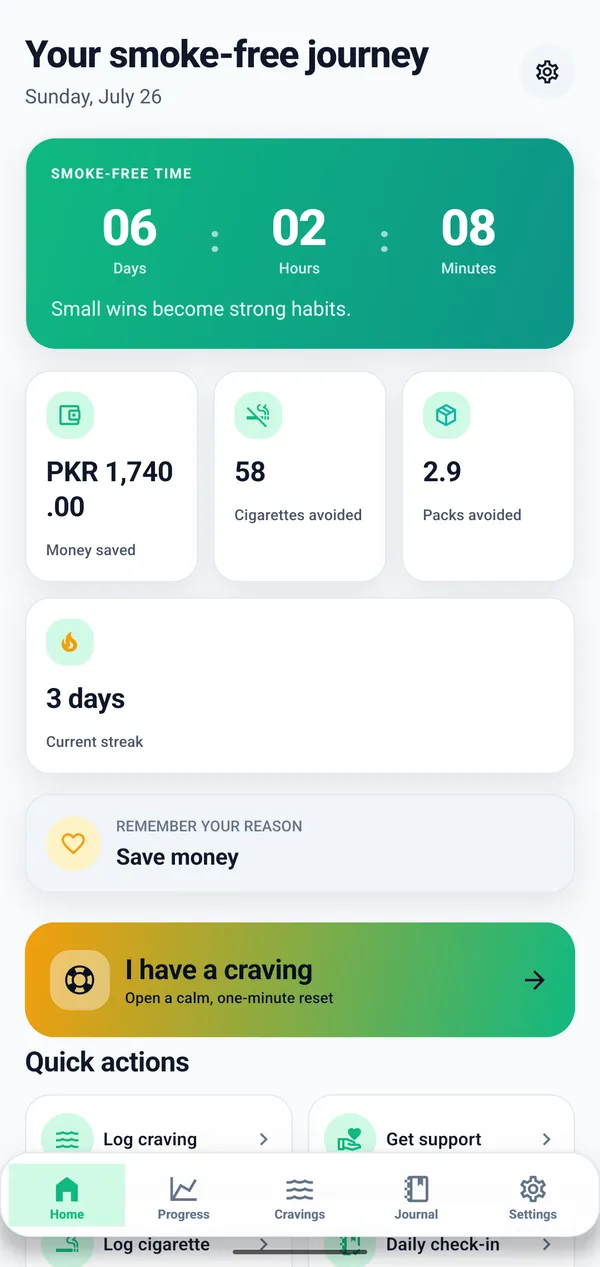
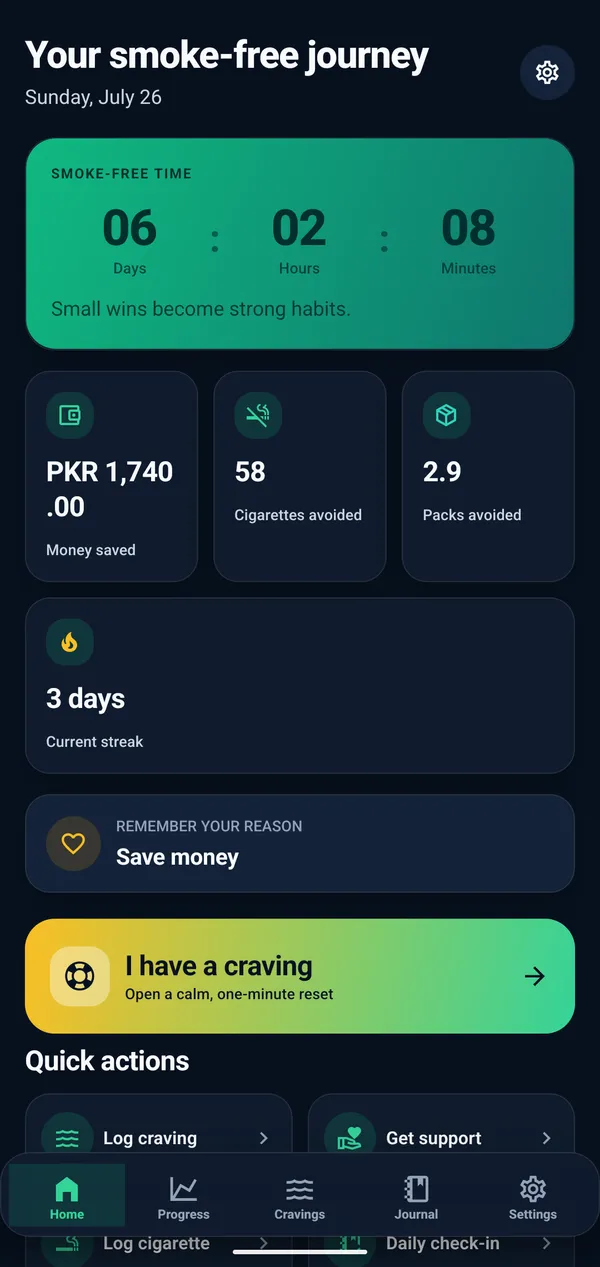
Short answer: Choose your starting point and keep a clear, continuously updated view of the time recorded on your smoke-free journey.
What this feature helps you do
- See elapsed days, hours, and minutes from your chosen quit date.
- Keep time visible alongside the milestones you record.
- Update your starting point when your tracking needs change.
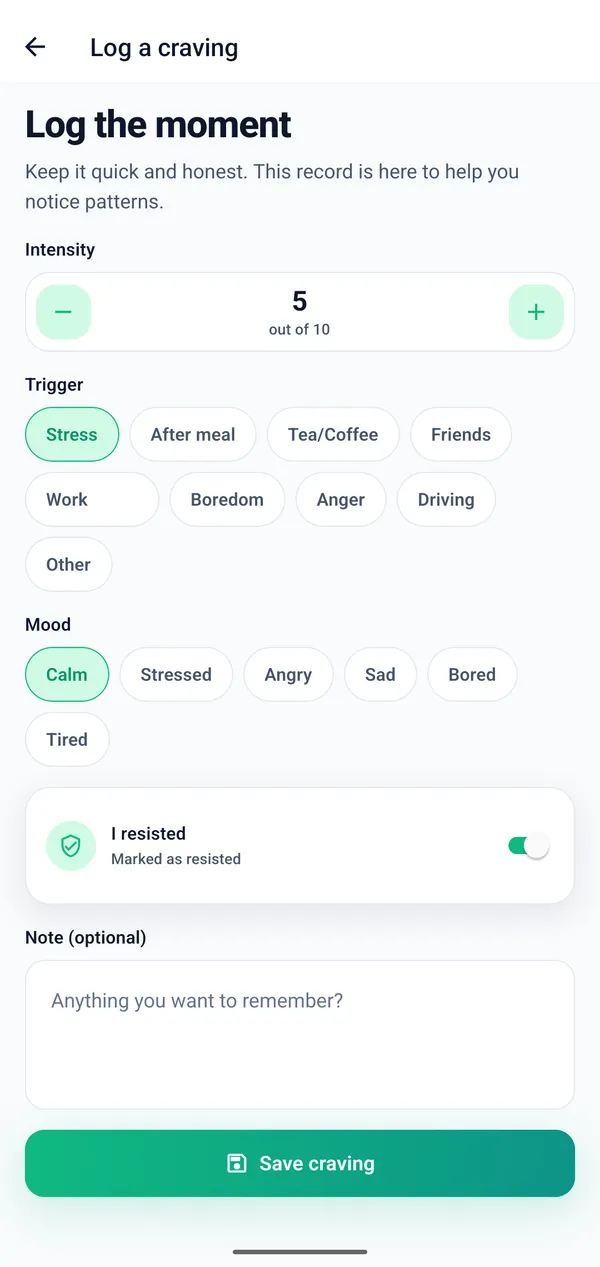
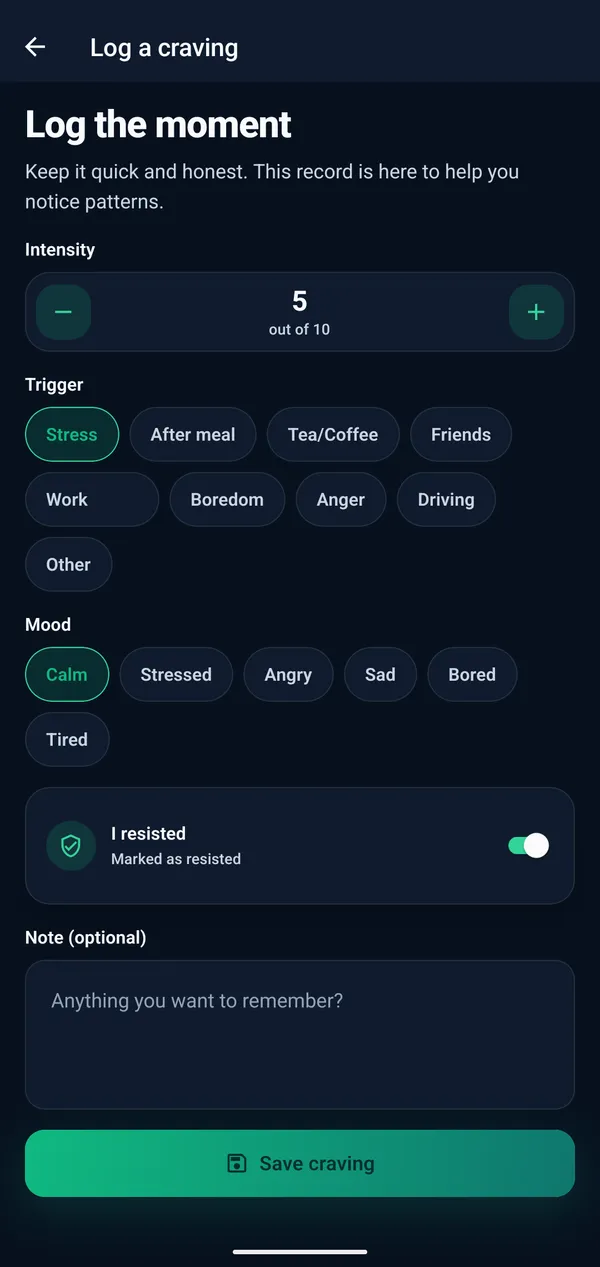
Craving tracker
Short answer: Create quick craving check-ins and review the context you recorded to support personal reflection without judgment.
What this feature helps you do
- Record intensity and a possible trigger in a quick check-in.
- Add an optional note while the context is still fresh.
- Review the moments you chose to record for personal reflection.
Money saved tracker
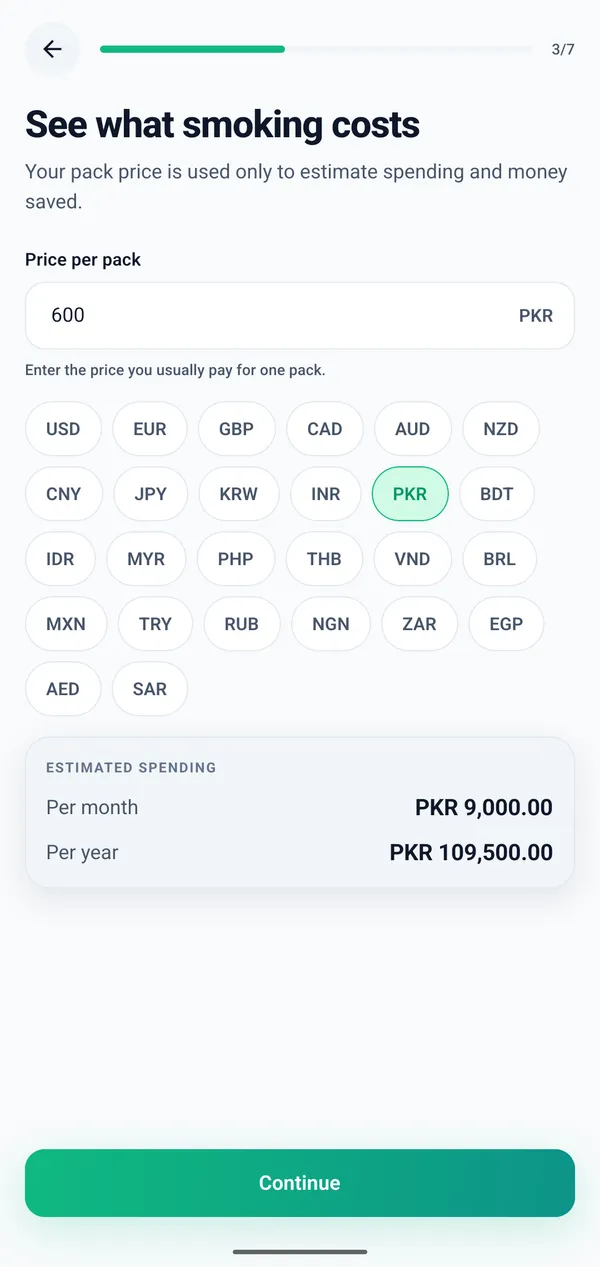
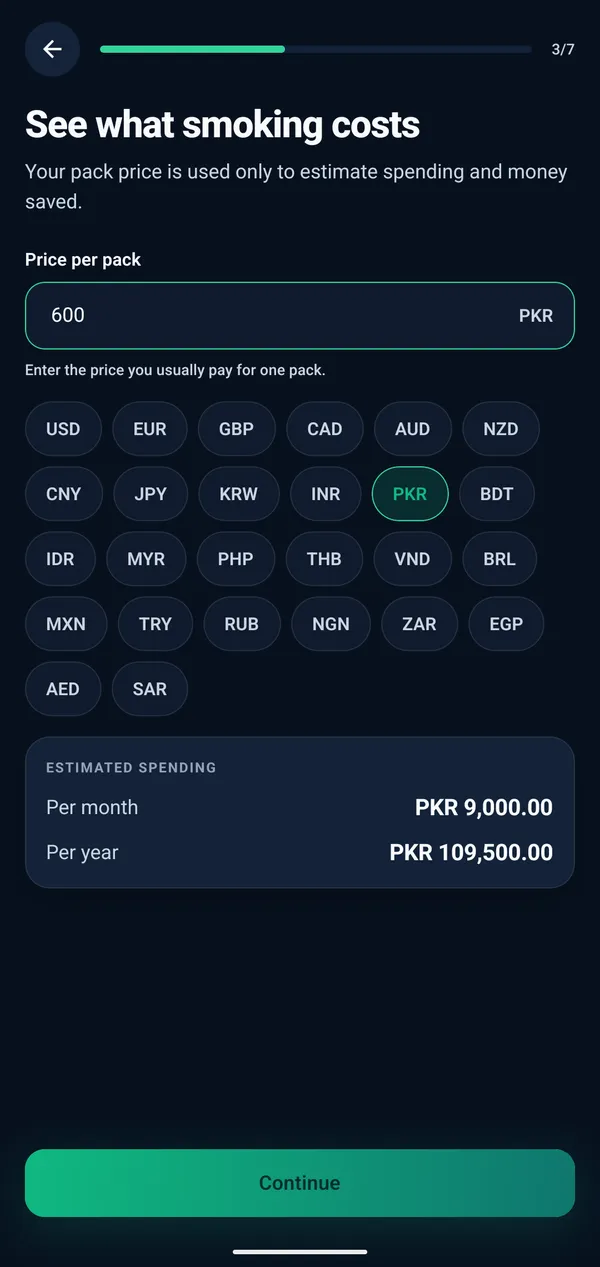
Short answer: Use your smoking frequency, cost, and selected start point to calculate a personal estimate of money not spent on cigarettes.
What this feature helps you do
- Use the cost and smoking-frequency details you provide.
- Follow a personal estimate that changes with recorded time.
- View estimated savings as one practical form of progress.
Cigarettes avoided
Short answer: Turn the baseline information you provide into a simple estimate that adds another practical view of your recorded progress.
What this feature helps you do
- Turn your optional baseline details into a simple estimate.
- See another perspective beyond the smoke-free timer.
- Keep the estimate beside your wider progress record.
Progress analytics
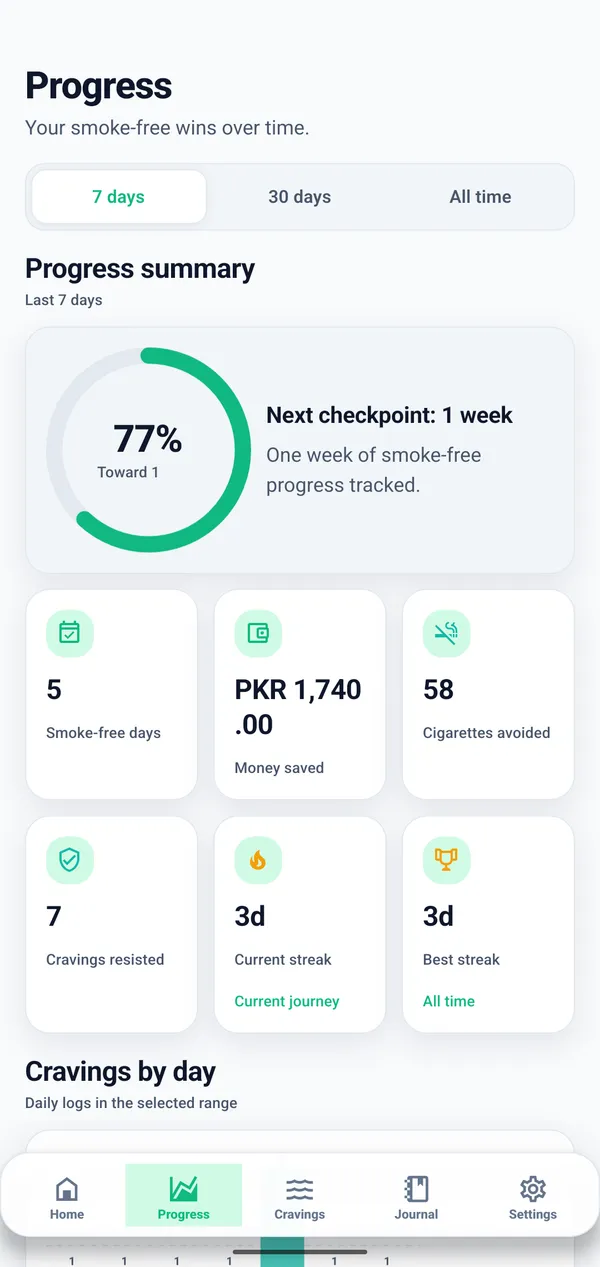
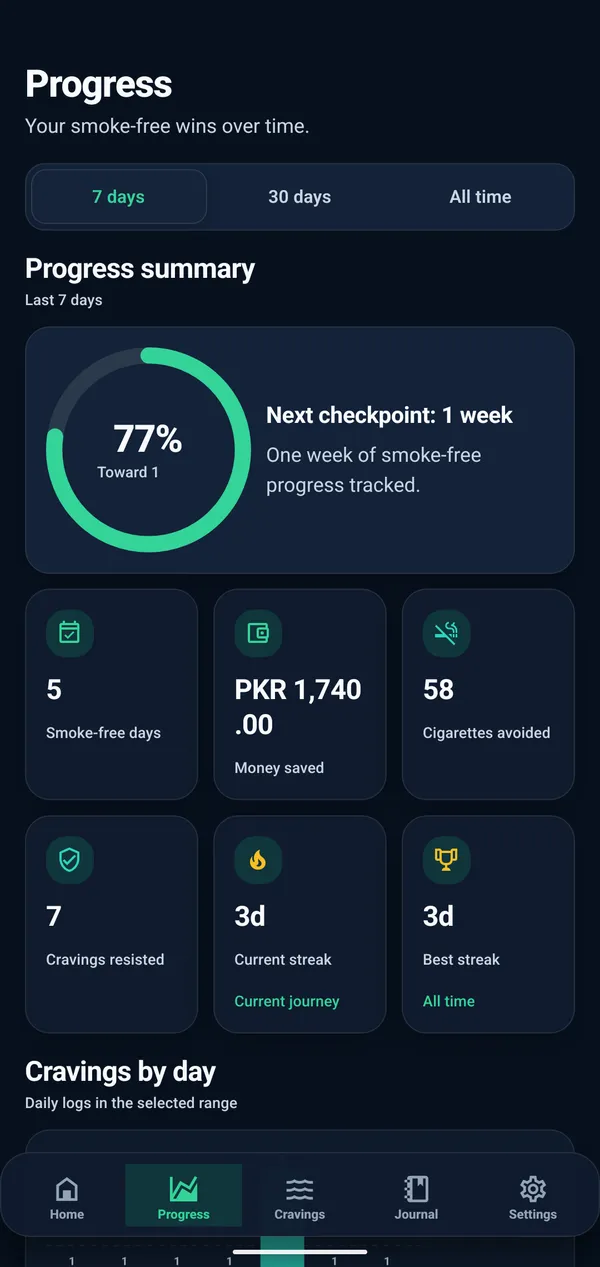
Short answer: Bring your personal tracking signals into readable progress views so patterns and meaningful moments are easier to revisit.
What this feature helps you do
- Bring time, cravings, estimates, and milestones into one view.
- Review personal patterns without public comparison.
- Use trends as context rather than a score or guarantee.
Daily journal
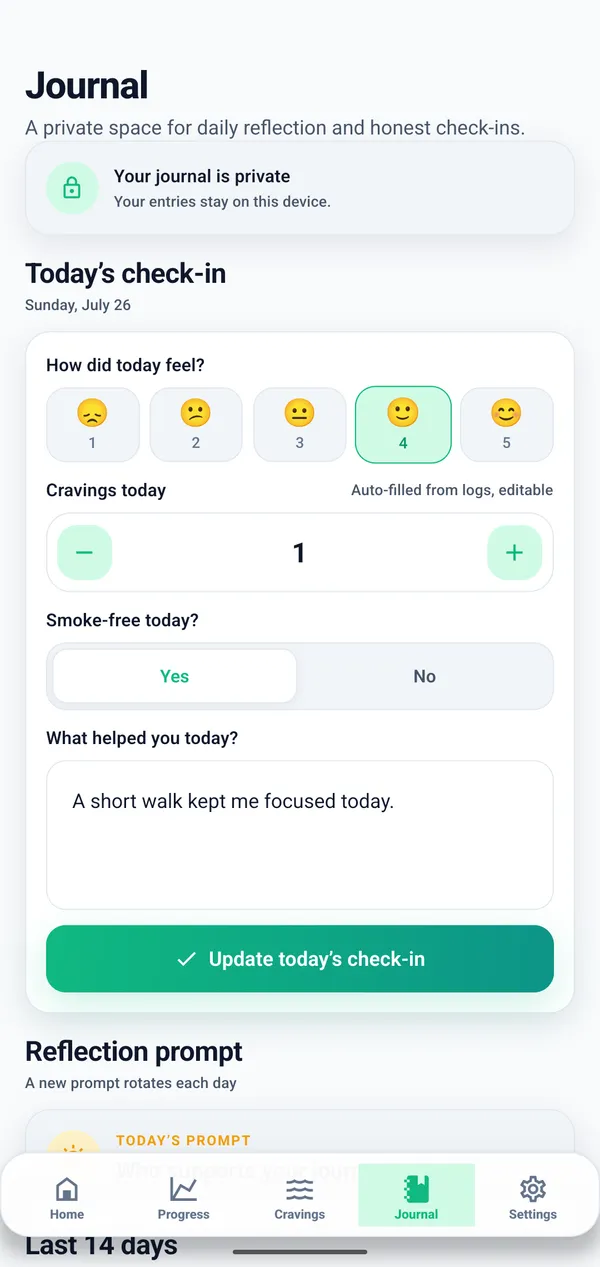
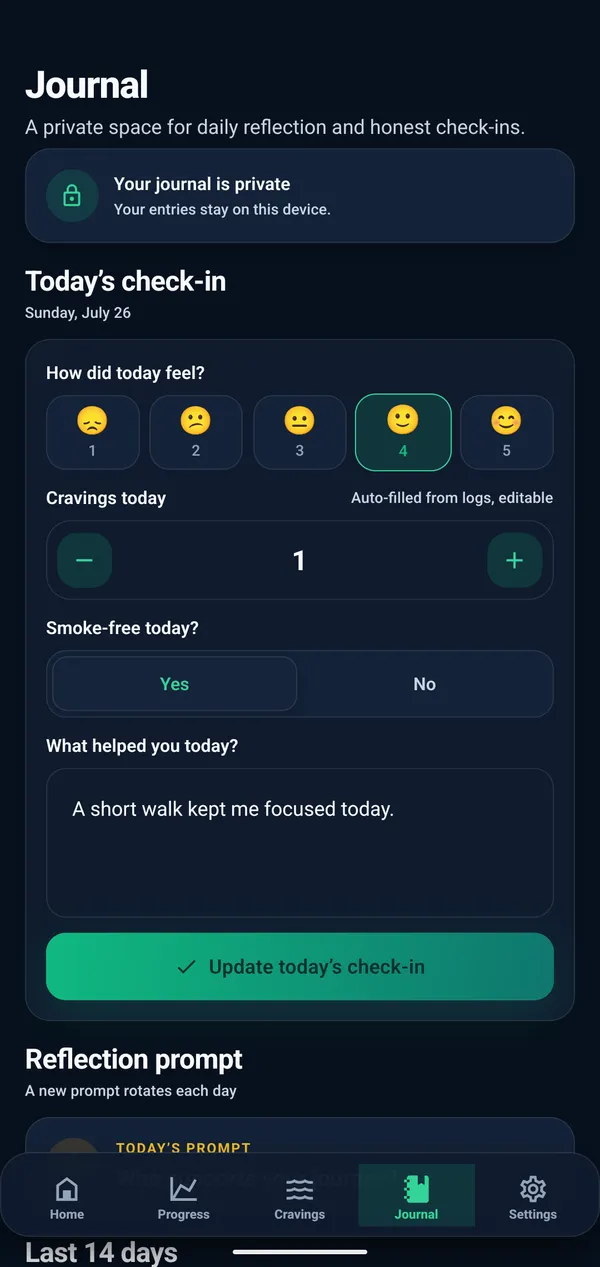
Short answer: Keep dated notes in your own words when a timer or number cannot capture the context you want to remember.
What this feature helps you do
- Create dated entries in your own words.
- Record wins, challenges, triggers, or observations.
- Revisit earlier entries whenever reflection feels useful.
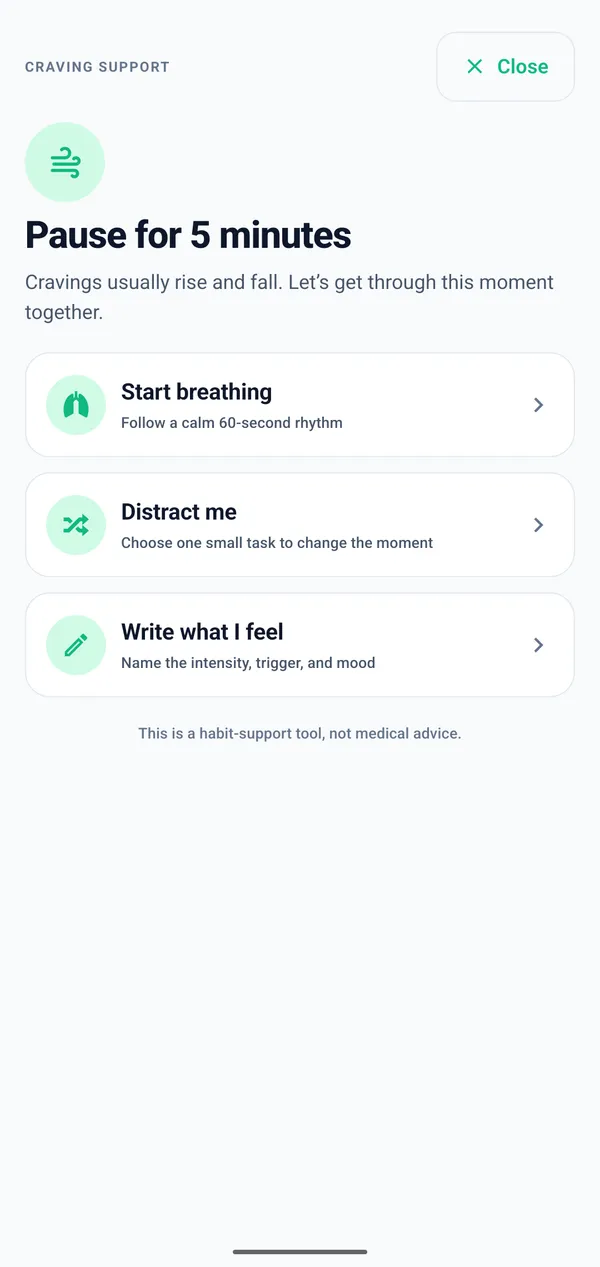
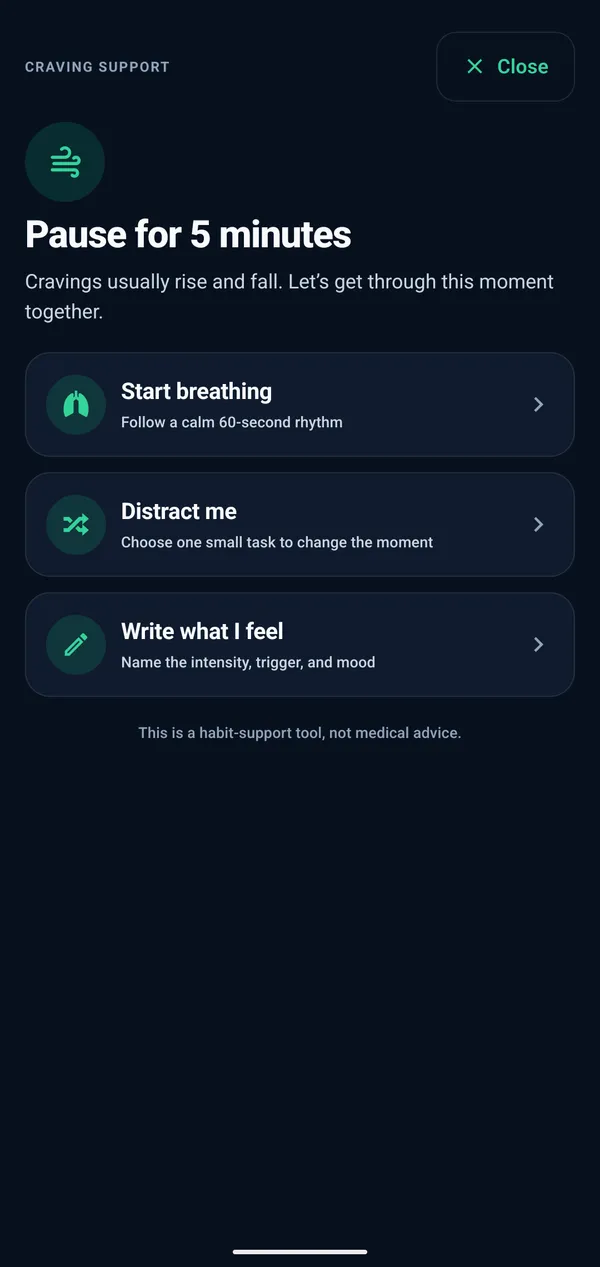
Emergency craving support
Short answer: Use a calm, quick-access screen for grounding prompts and a craving check-in. It is a self-support tool, not an emergency or medical service.
What this feature helps you do
- Open breathing, distraction, and reflection prompts quickly.
- Move directly into a brief craving check-in or journal entry.
- Use a self-support tool with clear non-medical boundaries.
Local reminders
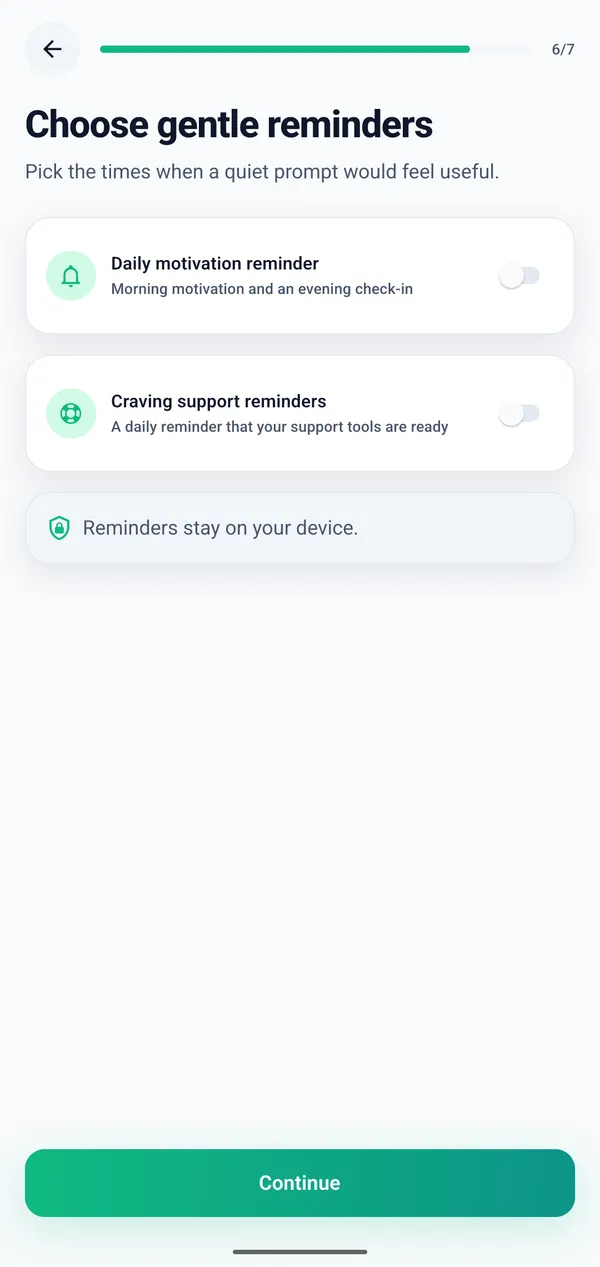
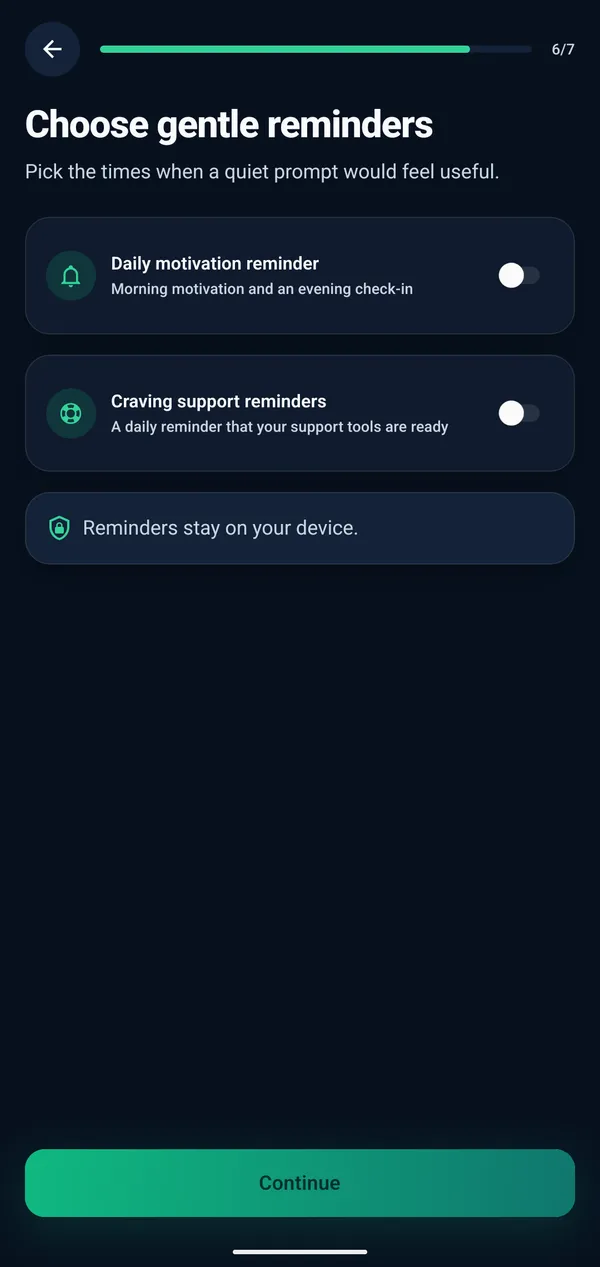
Short answer: Create on-device reminders for check-ins, reflection, or motivation, then adjust or disable them whenever your needs change.
What this feature helps you do
- Schedule optional prompts around your own routine.
- Use Android notification permission only when you enable it.
- Change or disable reminders whenever your needs change.
Achievements and milestones
Short answer: Keep personal milestones visible as part of your progress record without comparing your timeline with anyone else.
What this feature helps you do
- Mark personal points that feel meaningful to you.
- Return to earlier wins when you want perspective.
- Keep milestones personal without public rankings.
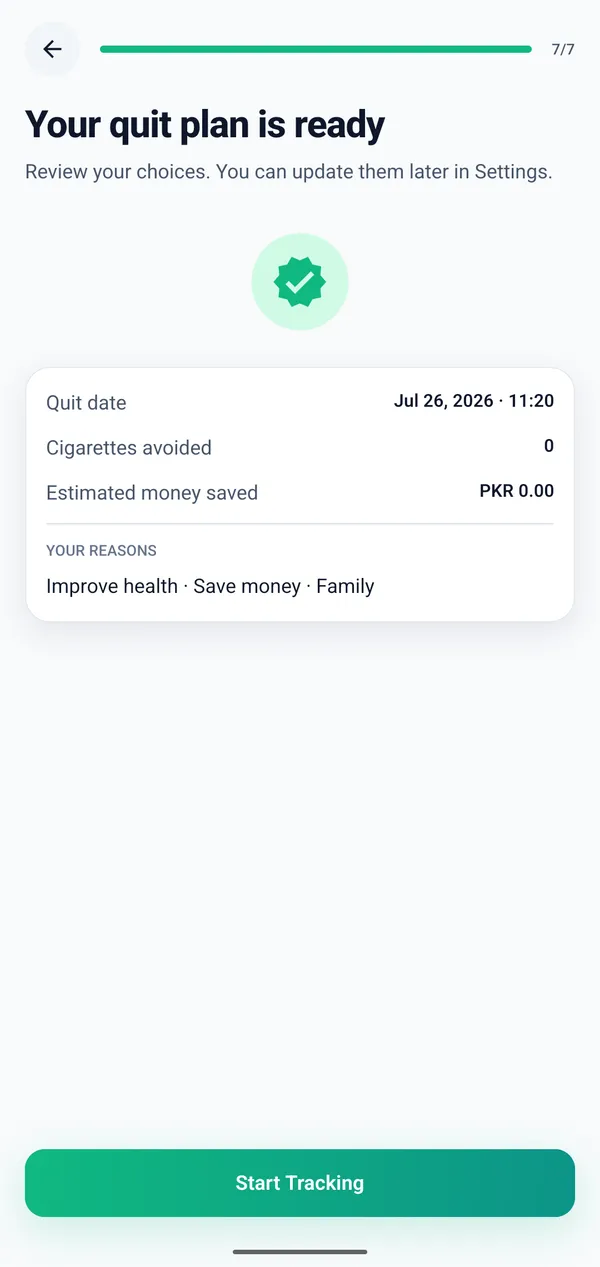
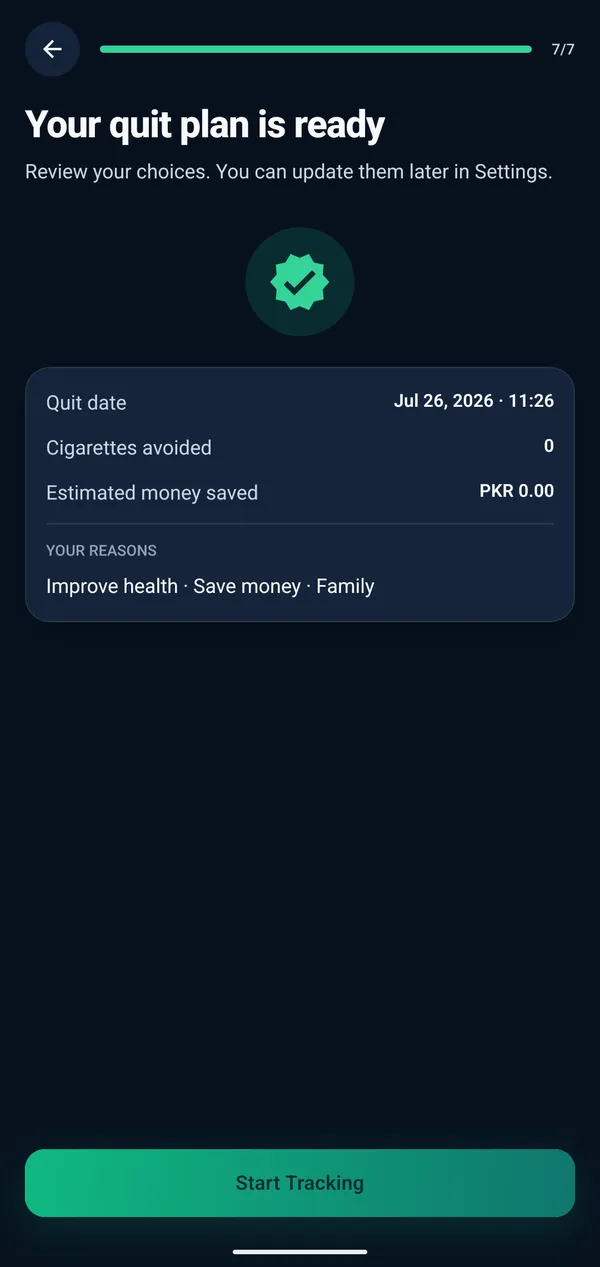
Dark and light mode
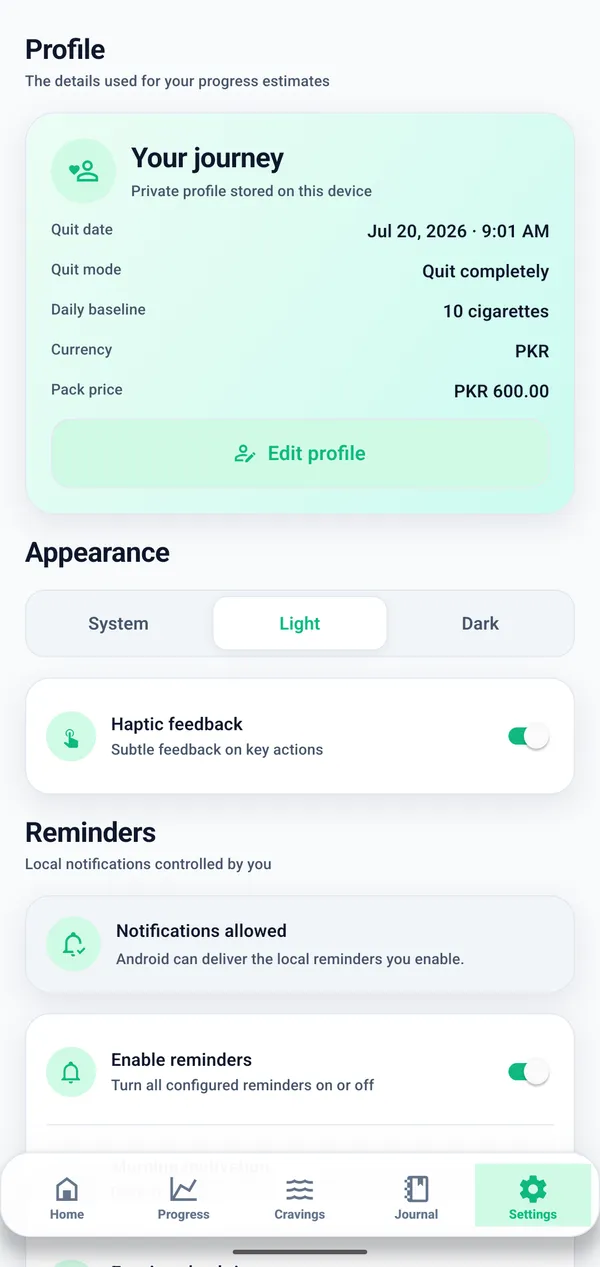
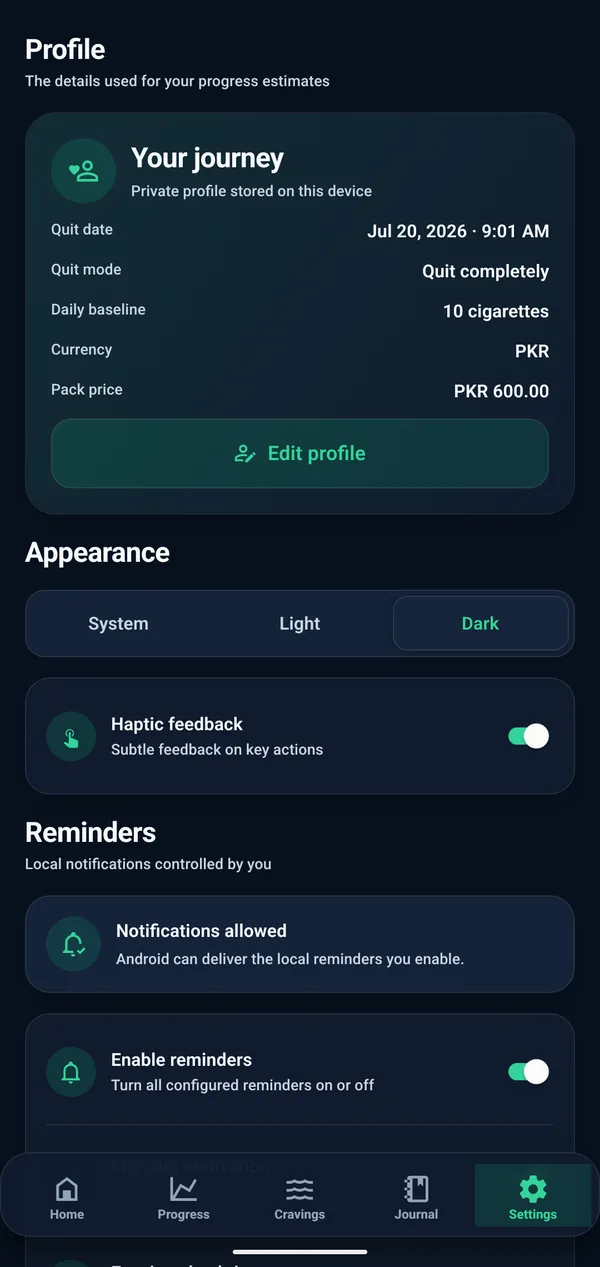
Short answer: Choose the visual theme that suits your preference while keeping every timer, check-in, and progress view clear and readable.
What this feature helps you do
- Choose a light or dark interface for your surroundings.
- Keep timers, check-ins, and progress views readable.
- Change the visual theme without changing your tracking data.
Local privacy
Short answer: Use the core tracking experience without a public profile, social feed, or account-based comparison with other users.
What this feature helps you do
- Use core tracking without creating an account.
- Keep current app data on your device.
- Avoid public profiles, feeds, and social comparison.
Every feature, free on Android.
No account, no subscription, and nothing to set up beyond your quit date.
Why use a dedicated quit smoking tracker?
Different tools can all be useful. A dedicated tracker brings smoke-free signals together without requiring you to build the system yourself.
| Tracking need | Generic habit tracker | Notes app | Quit Smoking Tracker |
|---|---|---|---|
| Smoke-free time | A manually configured streak or counter | Dates and elapsed time calculated manually | A timer based on your chosen quit date |
| Craving context | A custom habit entry | Free-form notes without structured intensity | Intensity, trigger, time, and optional notes |
| Progress estimates | Usually requires custom fields | Calculations maintained by hand | Estimated savings and cigarettes avoided |
| Reflection | Short habit notes may be available | Flexible free-form writing | A dated journal beside tracking context |
| Reminders | General habit prompts | Depends on the notes app | Optional local prompts for check-ins |
| Overall feature fit | Flexible for many kinds of habits | Flexible for unstructured personal records | Purpose-built views for a smoke-free journey |
Choose the tool that fits how you prefer to record progress. This comparison describes feature fit, not treatment outcomes.
Feature questions, answered.
Clear answers about timers, cravings, savings, reminders, journal entries, and in-the-moment support.
What is a smoke-free timer?
A smoke-free timer shows the time elapsed from the quit date and time you choose, including days, hours, and minutes.
Can I track cigarette cravings?
Yes. You can record craving intensity, possible triggers, the time, and an optional note.
Can I track money saved after quitting smoking?
Yes. The app estimates money saved using the smoking frequency, cost, and start information you provide.
Does Quit Smoking Tracker have reminders?
Yes. You can create optional local reminders and change or disable them whenever you want.
How does emergency craving support work?
It opens a focused set of calming prompts and a quick craving check-in. It is not an emergency or medical service.
What can I write in the daily journal?
Write anything useful to you, such as a win, challenge, trigger, reason, or short observation about the day.

Keep the features you need in one calm place.
Track smoke-free time, cravings, estimates, reminders, and reflections in Quit Smoking Tracker for Android.
This website and app are not medical advice.
