
Morning motivation
Start the day with a gentle prompt to revisit your reason, timer, or next small step.
Optional prompts, your schedule
Set gentle on-device reminders for motivation, daily check-ins, craving support, and progress review. Your tracking routine stays entirely in your control.
Notification permission is requested only when you turn reminders on.
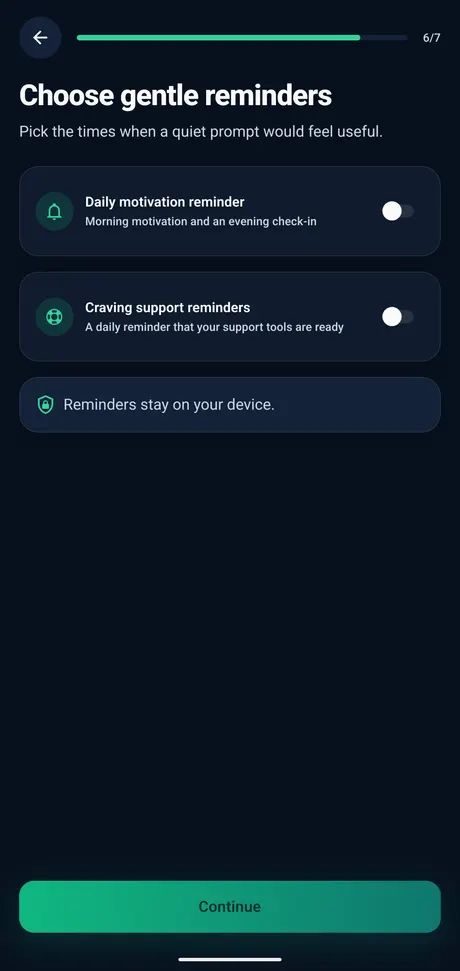
Quit Smoking Tracker can send local reminders for motivation, daily check-ins, and craving support when reminders are enabled.
Use reminders as lightweight cues for reflection, not pressure. You decide what to enable and when.
Start the day with a gentle prompt to revisit your reason, timer, or next small step.
Close the day with a short reflection, journal note, or progress review.
Use a scheduled nudge as a reminder to open craving support or complete a quick check-in.
Return to your smoke-free time, estimated savings, cigarettes avoided, and milestones.
Reminders are designed around Android local notifications. They support your tracking routine without requiring a backend account or public profile.
Reminder scheduling is designed for local Android notifications, not an online messaging system.
You can use the reminder flow without creating a profile, login, or public account.
Android notification permission is only relevant if you choose to turn reminders on.
Make prompts part of your routine without making them feel mandatory or noisy.
Keep prompts optional so the app supports your routine without becoming noisy.
Adjust timing when mornings, evenings, or craving-prone windows change.
Disable reminders whenever they stop feeling useful or no longer match your plan.
See the real onboarding and settings screens used to enable, review, or disable local reminders.
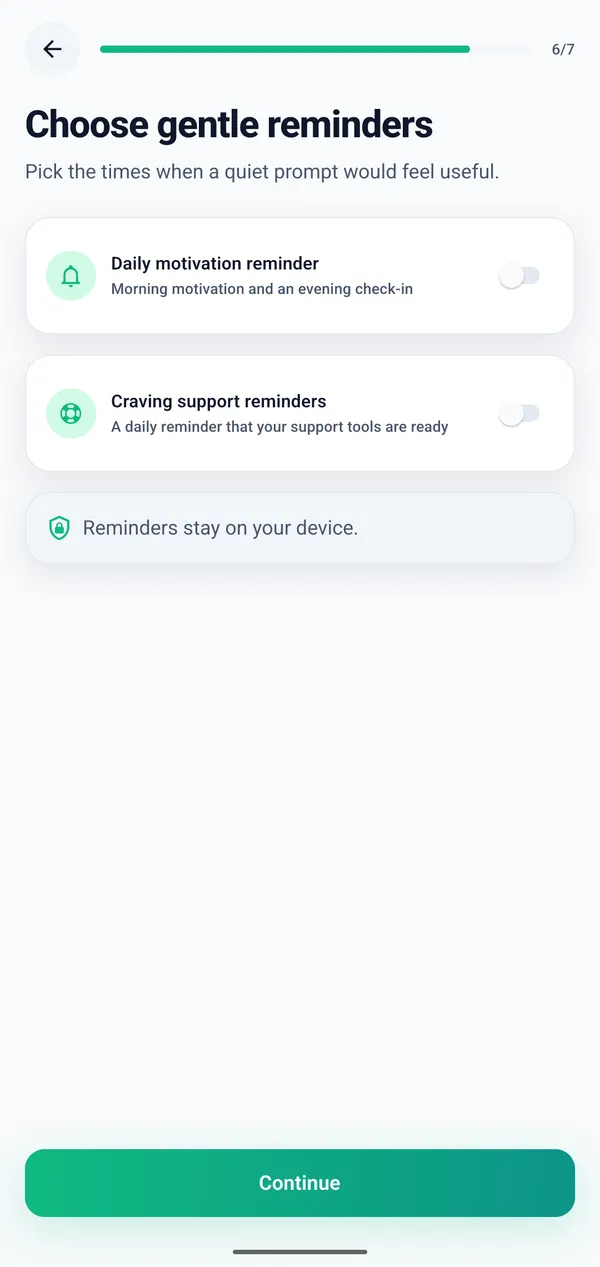
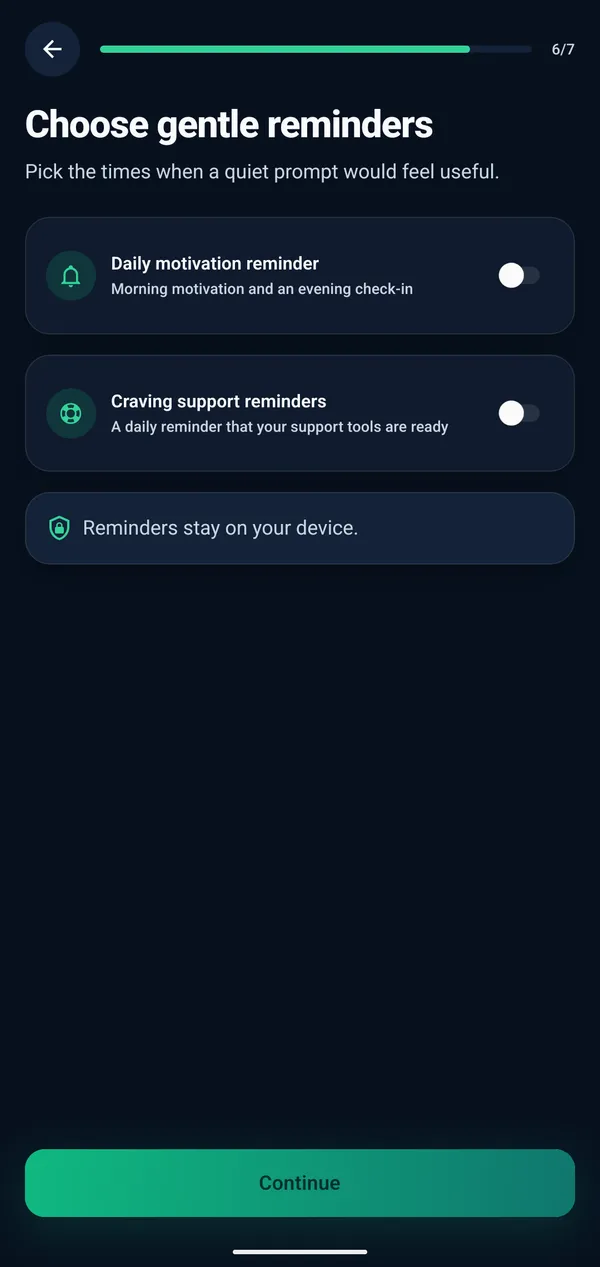
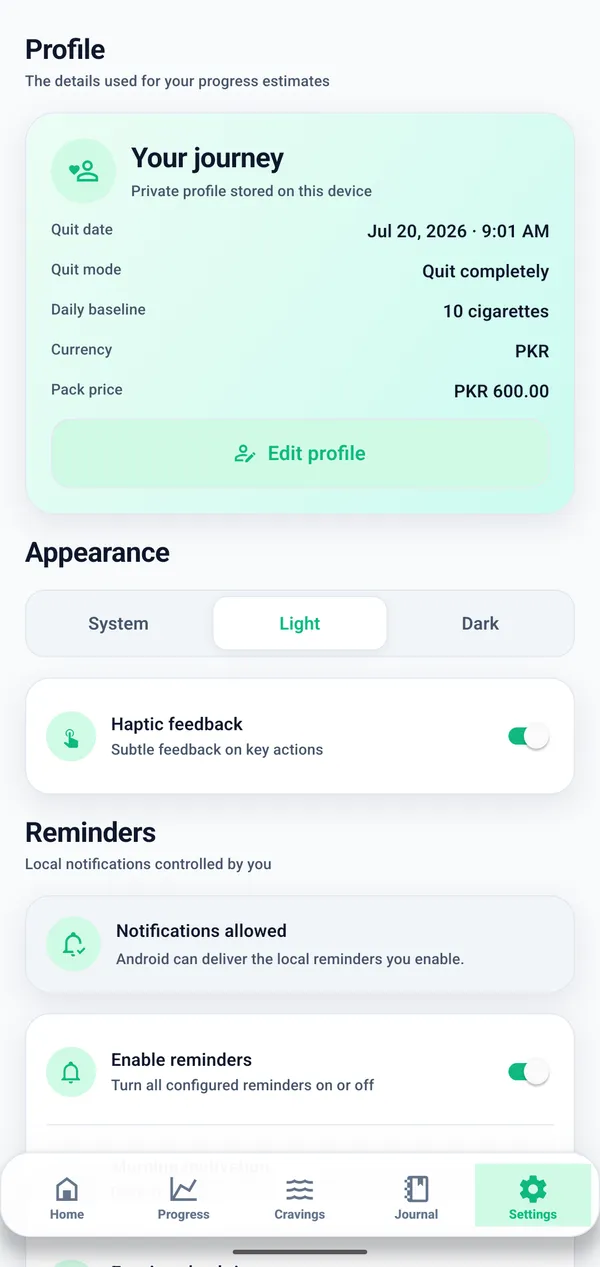
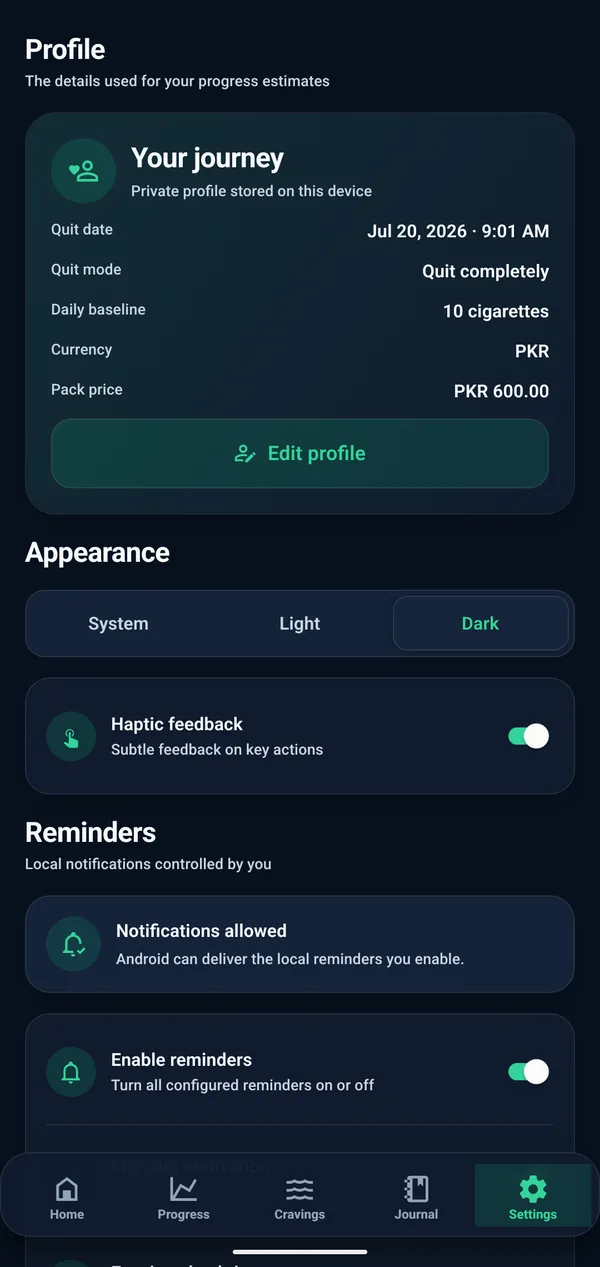
Free on Android. Reminders are optional, local, and easy to switch off.
Clear answers about local reminders, notification permission, reminder timing, user control, and craving support prompts.
Yes. You can create optional local reminders and change or disable them whenever you want.
You can use reminders for motivation, daily check-ins, craving support, and progress review.
No. Reminder settings are handled locally on your device and do not require an online account.
The app only needs Android notification permission when you choose to enable reminders.
Yes. You can update reminder timing so prompts fit your routine.
Yes. Reminders are optional, and you can disable them whenever they are no longer useful.
You can use reminders as prompts to open craving support or complete a quick check-in when that fits your plan.
Check the reminder schedule, Android notification permission, and any battery or background restrictions on your device.
Use optional local reminders for motivation, check-ins, craving support, and progress review in Quit Smoking Tracker for Android.
This website and app are not medical advice.

